
Shot once. Framed for every platform.
Background Eraser includes canvas presets for every major platform — 9:16 for Reels, TikTok and Shorts, 1:1 and 4:5 for Instagram, 16:9 for YouTube, 2:3 for Pinterest and 1.91:1 for X and Facebook. Because your cutout floats free of the original background, you can reposition and scale yourself to fit each frame instead of blindly cropping.
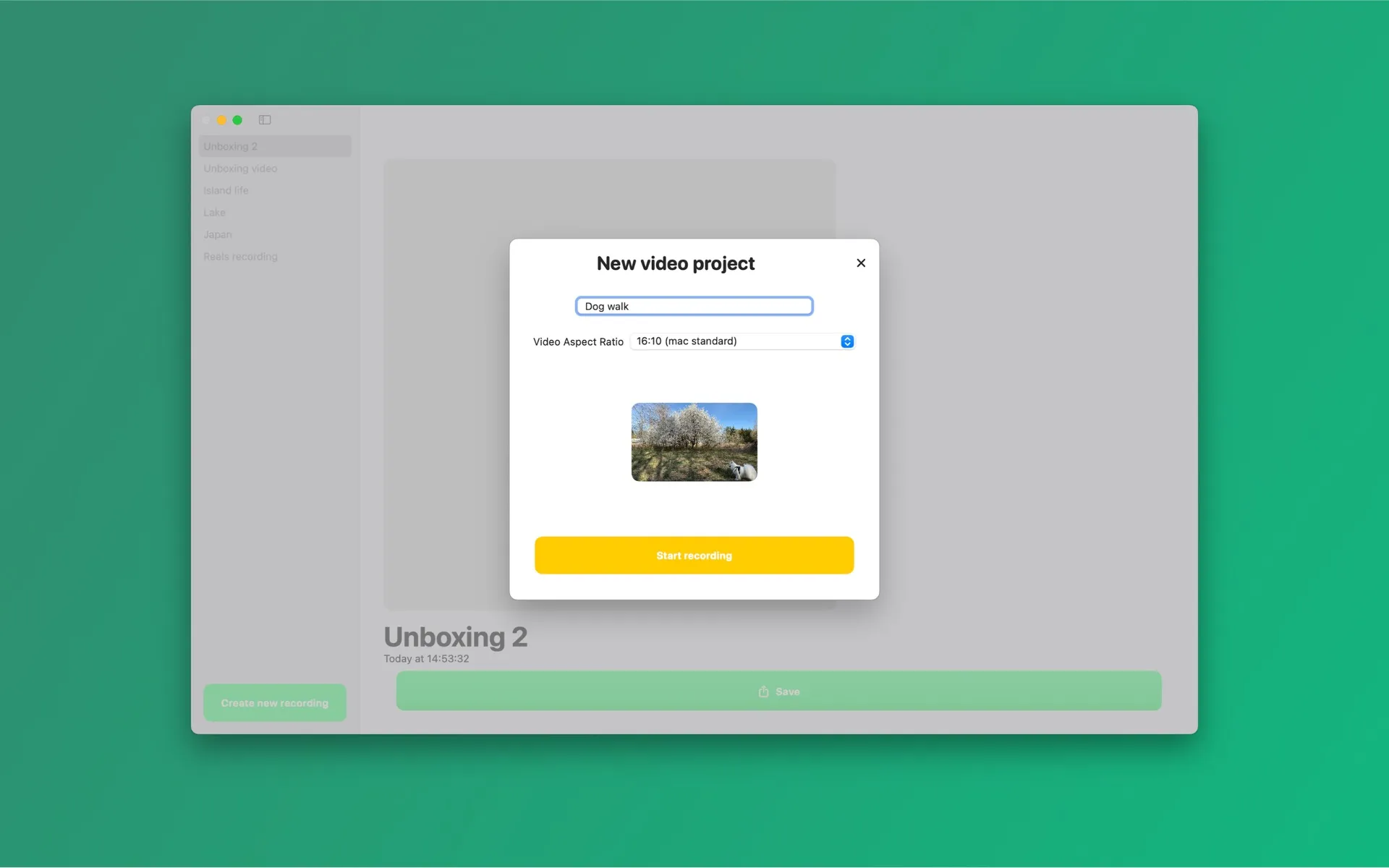
Canvas presets
9:16 Reels · TikTok · Shorts
1:1 Instagram square
4:5 Instagram portrait
3:4 Portrait
2:3 Pinterest
16:9 YouTube
1.91:1 X · Facebook
MP4 (H.264) at full, 1080p, 720p or 540p resolution. Pick full resolution for archiving or a smaller size for fast uploads.
Frequently asked questions
- What formats can I export?
- Videos export as MP4 (H.264) at full, 1080p, 720p or 540p resolution, with canvas presets for vertical 9:16, square 1:1, 16:9 and other social formats. Photo cutouts export as PNG, including transparent PNG.
- Is Background Eraser free?
- The app is free to download and every feature is usable for free. Videos and photos exported on the free plan carry a small watermark; a Pro subscription (weekly, monthly, or yearly via the App Store) removes it.
Try Background Eraser free
Free on the Mac App Store and the Microsoft Store, with a companion iPhone app. Every feature included — exports carry a small watermark until you go Pro.
Download on the Mac App Store
Get it on the Microsoft Store
Get the iPhone app
All download options →
Mac: macOS 15.4+ · Windows 10+ · iPhone: iOS 17+ · No account · Works offline