
Remove your video background. No green screen needed.
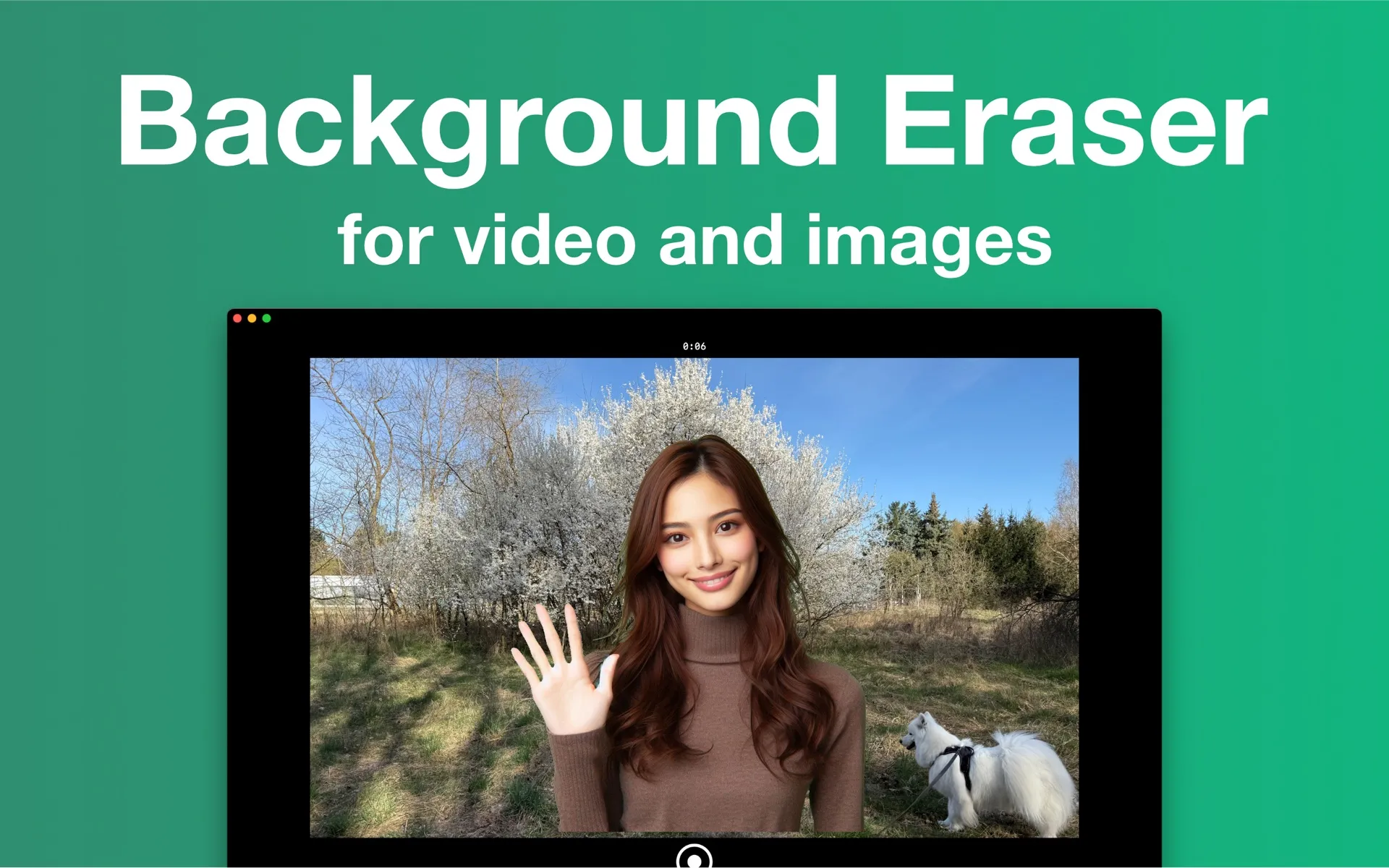
Background Eraser is a Mac and Windows app that removes and replaces the background of videos — in real time, while you record — and photos, using on-device AI. No green screen, no uploads, no per-export credits.
Free · Watermarked exports until you go Pro · macOS 15.4+ · Windows 10+ · iOS 17+ · See all features
How it works
- Step 1
Pick a background
A color, one of 8 studio presets, your own image, a looping video — or just blur the room behind you.
- Step 2
Record — or import
Hit record and watch the AI replace your background live, or drop in footage you already shot.
- Step 3
Export and share
MP4 up to 1080p, with one-tap canvas presets for Reels, TikTok, Shorts, YouTube and more.
Everything you need, nothing you don't
AI video background removal
Record with your camera or import a clip — the background disappears automatically.
Virtual green screen
Get green-screen results against any wall. No backdrop, no lighting rig.
Any background you want
Solid colors, your own images, looping videos, blur, or 8 studio presets.
Clean edges
Feather, smoothing, tightness and temporal smoothing sliders for crisp cutouts.
Made for social
Canvas presets for Reels, TikTok, Shorts, YouTube, Instagram and more.
Photos too
One-click photo cutouts: pick the subjects to keep, export a transparent PNG.
Your footage never leaves your computer
Unlike online background removers, Background Eraser processes everything on-device with GPU-accelerated AI. Nothing is uploaded, no account is required, and it works with the internet switched off — there are no file size limits, queues, or per-video credits.
- ✓ On-device segmentation — your footage never leaves your Mac or PC
- ✓ No sign-up, no cloud queue, no upload wait
- ✓ Three AI quality levels: Fast, Balanced, Accurate.
Still works.
- ✓ AI runs on your computer, not a server
- ✓ Footage is never uploaded anywhere
- ✓ No account, no tracking, no queue
Frequently asked questions
- Do I need a green screen to use Background Eraser?
- No. Background Eraser uses on-device AI to separate you from the background, so it works against any normal wall or room. A physical green screen is never required.
- Does Background Eraser upload my videos to a server?
- No. All background removal runs locally on your device, accelerated by your own hardware. Your photos and videos never leave your computer, the app needs no account, and it works offline.
- Is Background Eraser free?
- The app is free to download and every feature is usable for free. Videos and photos exported on the free plan carry a small watermark; a Pro subscription (weekly, monthly, or yearly via the App Store) removes it.
- Can I replace the background of an existing video, or only while recording?
- Both. You can record with your camera and watch the background get replaced live, or import an existing clip from Files or your Photos library and replace its background afterwards.
- Can Background Eraser remove the background from photos too?
- Yes. Since version 2.0 the app removes photo backgrounds in one click, lets you pick which detected subjects to keep, and exports a transparent PNG — or copy it, save it to Photos, or drag it straight into another app.
- Does it work on objects or pets, or only people?
- For video, Background Eraser detects people — it is built for talking-head videos, presentations and tutorials. For photos, the cutout detects the main subjects of the picture, and you choose which detected subjects to keep.
- What are the system requirements?
- Background Eraser for Mac requires macOS 15.4 (Sequoia) or later. The iPhone version requires iOS 17 or later. No internet connection is needed for processing.
Try Background Eraser free
Free on the Mac App Store and the Microsoft Store, with a companion iPhone app. Every feature included — exports carry a small watermark until you go Pro.
Mac: macOS 15.4+ · Windows 10+ · iPhone: iOS 17+ · No account · Works offline