
Background Eraser for Windows
Background Eraser for Windows is a PC app that removes and replaces the background of your photos and videos using on-device AI. It cuts out the subject of any photo in one click, removes the background from video clips, and can even record from your webcam and cut you out live — all with no green screen, no account, and no uploads to any server.
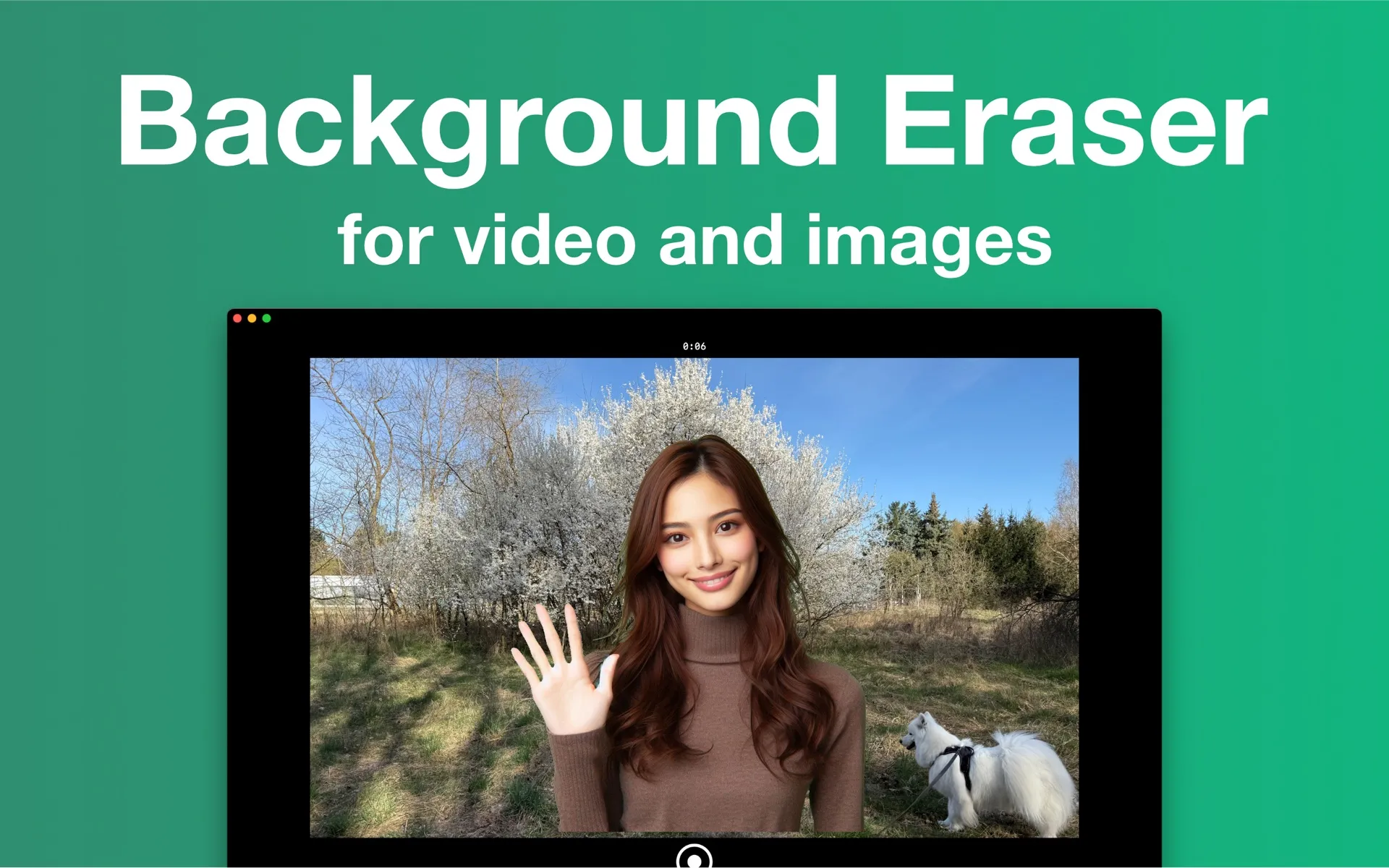
On-device AI, right on your PC
GPU-accelerated
The AI detects your subject and lifts it from the background in seconds, accelerated by your PC's GPU — no waiting on a cloud queue.
Photos and video
One job, done well: one-tap photo cutouts with transparent PNG export, plus flicker-free background replacement for video clips and webcam recordings.
Private by design
All processing runs locally — your photos and videos are never uploaded, there's no account to create, and it works offline.
What you can do with it
Photos
- • One-tap automatic background removal
- • Replace with transparent, a solid color, gradient, blur, or your own image
- • Refine edges with feather, smoothing and tightness
- • Add a drop shadow or a colored outline
- • Move, scale and rotate the subject with center and thirds guides
- • Export transparent PNG or JPEG — copy, drag into other apps, or save
Video
- • Remove the background from any video clip
- • Replace it with a color, gradient, blur, image or looping video
- • Smooth, flicker-free edges with temporal smoothing
- • Your original audio is kept
- • Record from your webcam, then cut out the background and export
- • Render to MP4 at your chosen resolution
System requirements: Windows 10 or later. Also available for Mac and iPhone.
Frequently asked questions
- Is there a Windows version?
- Yes. Background Eraser for Windows is available free on the Microsoft Store and removes backgrounds from photos and videos on-device, just like the Mac app. There is also a Mac app and a companion iPhone app.
- Do I need a green screen to use Background Eraser?
- No. Background Eraser uses on-device AI to separate you from the background, so it works against any normal wall or room. A physical green screen is never required.
- Does Background Eraser upload my videos to a server?
- No. All background removal runs locally on your device, accelerated by your own hardware. Your photos and videos never leave your computer, the app needs no account, and it works offline.
- Can Background Eraser remove the background from photos too?
- Yes. Since version 2.0 the app removes photo backgrounds in one click, lets you pick which detected subjects to keep, and exports a transparent PNG — or copy it, save it to Photos, or drag it straight into another app.
- Is Background Eraser free?
- The app is free to download and every feature is usable for free. Videos and photos exported on the free plan carry a small watermark; a Pro subscription (weekly, monthly, or yearly via the App Store) removes it.
- Is this the same as chroma key?
- No. Chroma key removes a specific color (usually a physical green screen) and needs even lighting. Background Eraser uses AI person segmentation, so it removes whatever is behind you — no colored backdrop or special lighting setup required.
Get Background Eraser for Windows
Free on the Mac App Store and the Microsoft Store, with a companion iPhone app. Every feature included — exports carry a small watermark until you go Pro.
Mac: macOS 15.4+ · Windows 10+ · iPhone: iOS 17+ · No account · Works offline