
Background Eraser for Mac
Background Eraser for Mac is a native macOS app that removes and replaces the background of your videos and photos using on-device AI. For video it works in real time while you record with your camera, and on footage you import; for photos it cuts out the subject in one click — with no green screen, no account, and no uploads to any server.
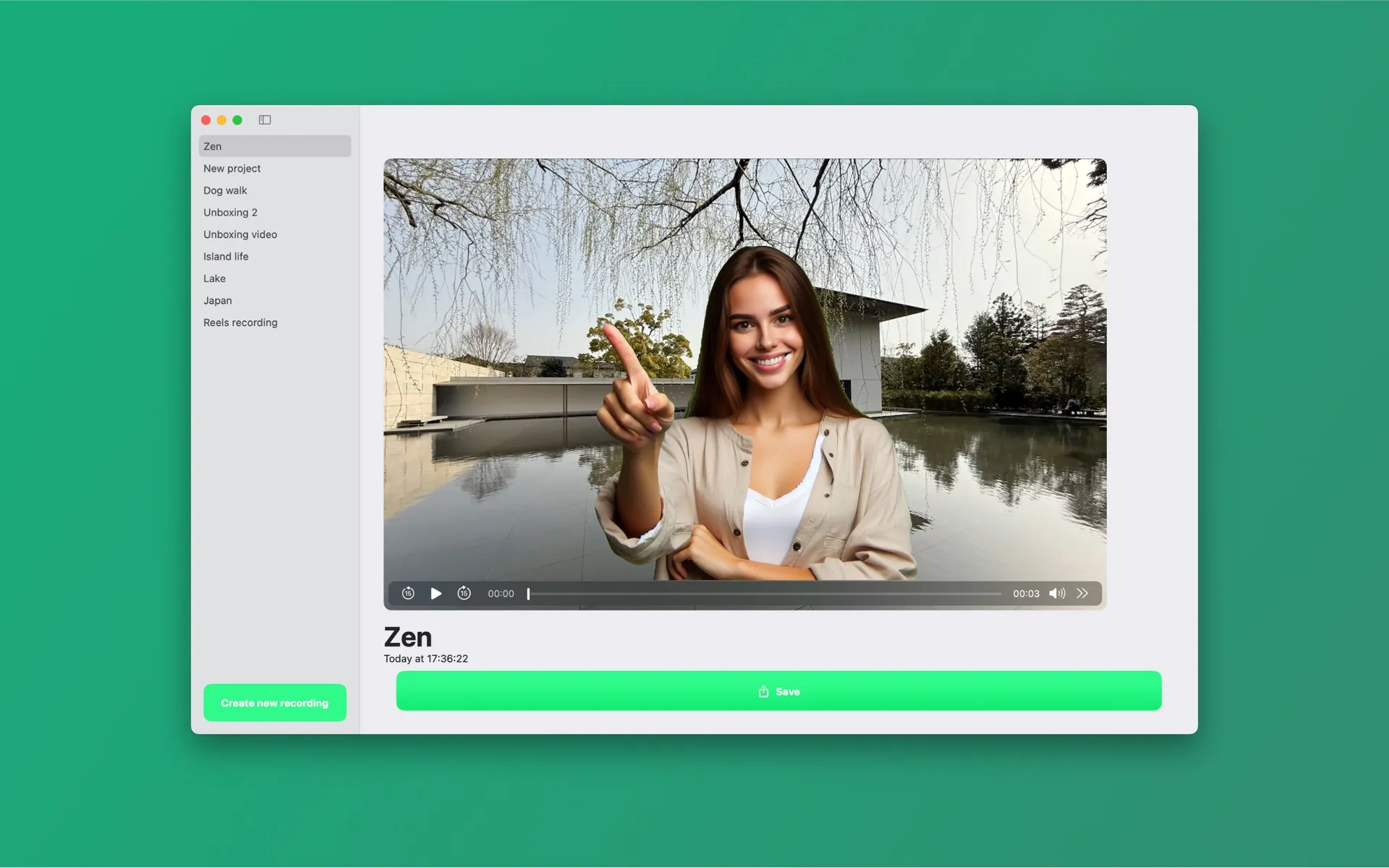
Built for the Mac, not ported to it
Apple Vision AI
Person segmentation runs through Apple's Vision framework directly on your Mac, with three quality levels (Fast, Balanced, Accurate) so you can trade speed for precision.
Metal-accelerated rendering
Compositing, blur and edge refinement run on the GPU via Metal and Core Image — smooth live preview while you record.
Private by architecture
All processing happens on your device. No account needed. Works offline. There is no server component at all.
What you can do with it
- • Record with your camera while AI removes the background live — you see the final result as you film.
- • Import existing footage from Files or your Photos library and replace its background.
- • Replace the background with 5 kinds of fills — colors, images, video loops, blur, presets
- • Refine edges with feather, smoothing, tightness and temporal smoothing
- • Move, scale and rotate yourself on the canvas; add a drop shadow or outline
- • Reframe to 9:16, 1:1, 4:5, 16:9 and more for social platforms
- • MP4 (H.264) at full, 1080p, 720p or 540p resolution.
- • Erase the background from any photo in one click. When several subjects are detected, choose exactly which ones to keep.
- • Export photos as transparent PNG, copy to the clipboard, save to Photos, or drag the cutout straight into another app.
- • Video works with people in frame (person segmentation). Photo cutouts detect the main subjects of any photo.
System requirements: macOS 15.4 (Sequoia) or later. Also available for Windows and iPhone (iOS 17 or later).
Frequently asked questions
- What are the system requirements?
- Background Eraser for Mac requires macOS 15.4 (Sequoia) or later. The iPhone version requires iOS 17 or later. No internet connection is needed for processing.
- Do I need a green screen to use Background Eraser?
- No. Background Eraser uses on-device AI to separate you from the background, so it works against any normal wall or room. A physical green screen is never required.
- Does Background Eraser upload my videos to a server?
- No. All background removal runs locally on your device, accelerated by your own hardware. Your photos and videos never leave your computer, the app needs no account, and it works offline.
- Can Background Eraser remove the background from photos too?
- Yes. Since version 2.0 the app removes photo backgrounds in one click, lets you pick which detected subjects to keep, and exports a transparent PNG — or copy it, save it to Photos, or drag it straight into another app.
- What formats can I export?
- Videos export as MP4 (H.264) at full, 1080p, 720p or 540p resolution, with canvas presets for vertical 9:16, square 1:1, 16:9 and other social formats. Photo cutouts export as PNG, including transparent PNG.
- Is Background Eraser free?
- The app is free to download and every feature is usable for free. Videos and photos exported on the free plan carry a small watermark; a Pro subscription (weekly, monthly, or yearly via the App Store) removes it.
- Is there a Windows version?
- Yes. Background Eraser for Windows is available free on the Microsoft Store and removes backgrounds from photos and videos on-device, just like the Mac app. There is also a Mac app and a companion iPhone app.
Get Background Eraser for Mac
Free on the Mac App Store and the Microsoft Store, with a companion iPhone app. Every feature included — exports carry a small watermark until you go Pro.
Mac: macOS 15.4+ · Windows 10+ · iPhone: iOS 17+ · No account · Works offline